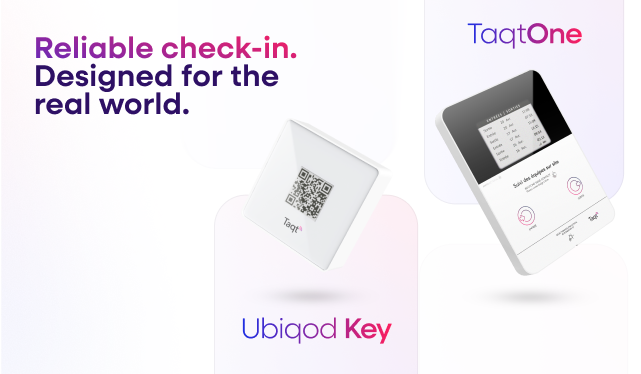
TaqtOne Clock-in/clock-out
In? Check.
Out? Check.
A touchless device for effortless tracking of staff check-ins and check-outs.
Hygienic
Durable
Easy to install


A touchless device for effortless tracking of staff check-ins and check-outs.


Make employee time tracking easy with our smart device. Record entries and exits accurately through a simple touchless interface, and manage your team with less hassle.

Simplify clocking in and out with easy, touchless buttons, reducing time spent on manual entries.
Receive instant updates on employee check-ins and check-outs, helping you stay informed and ensure smooth operations.


Ensure that cleaning staff clock in and out reliably, reduce errors and improve workforce efficiency effortlessly.
Easily manage and align your team’s schedules by importing them into the Taqt platform for seamless coordination.

Get your smart device up and running in under three minutes.
Book a demoTurn on the device by removing the tabs. Wait 1-3 minutes until the device activates and the screen refreshes.

If the connectivity test worked, the screen displays a «Device ready» message.

Remove the protective film from the double-sided tape on the back of the device.

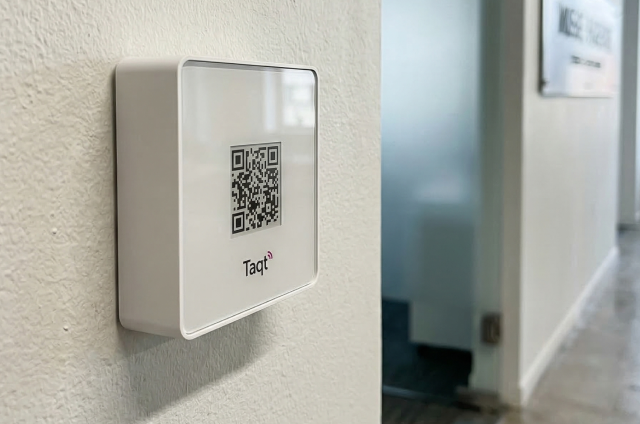
Place the device on a wall and press it for 30 seconds.

Think you’ve seen everything? Discover additional features that offer a seamless integration, making installation and usage
a no-brainer.
The device operates with a 4G or GSM network.
Designed for extended battery-life.
Offers 2 to 8 years of battery life depending on usage.
Reduces bacteria spread and provides long-lasting protection.
Stick the device on the wall and press for 30 seconds. Easy peasy!
Designed to meet your business' specific needs.
• The staff places the badge on the device
• Nominative or anonymous
• Works on every device